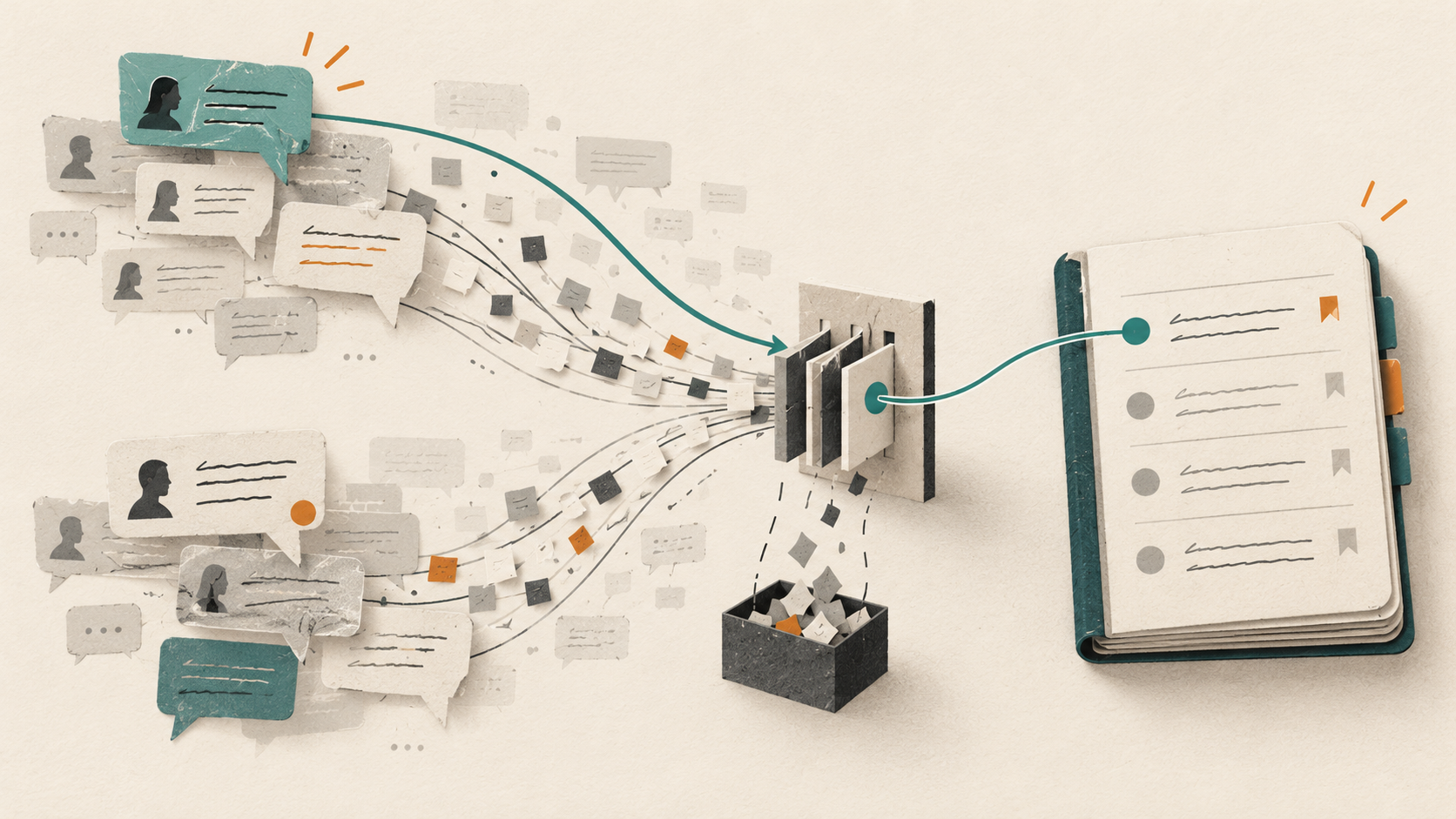
The discussion happened. The team agreed. A week later, an AI-generated specification proposes the option everyone rejected.
The missing piece may be a small decision buried in a long thread: which customer segment the release serves, why a feature was excluded, or which trade-off the team accepted. Copying more messages into a prompt can help temporarily, but it leaves the team dependent on whoever remembers where to look.
To reduce context loss between Slack, Teams, and AI tools, create a short, maintained record of the decision and its reasoning. Link that record to the discussion, then use it when producing new work.
A summary does not tell you what is binding
A conversation can contain an initial proposal, objections, tentative agreement, and a later reversal. A summary that blends these stages may sound coherent while failing to identify the current decision.
For example, imagine a fictional team discussing onboarding. A designer suggests asking for payment details immediately. Sales prefers a trial without a card. The product lead approves the second option for one customer segment, pending a later review.
“The team discussed reducing onboarding friction” loses the operating instruction. “All trials should be card-free” overstates it.
A useful record says which segment the rule applies to, who approved it, what exceptions remain, and when the team will reconsider it. Those details let a later PRD apply the decision without reopening the whole discussion.
Capture the decision as a small maintained record
Use a structure the team can fill in quickly:
| Field | Illustrative entry |
|---|---|
| Decision | Offer a card-free trial for the self-serve pilot |
| Status | Approved for the pilot |
| Scope | New self-serve accounts in the pilot cohort |
| Reason | Observe first-use behavior before introducing payment friction |
| Alternatives considered | Card required; guided demo before access |
| Owner | Named product decision owner |
| Source | Link to the approval message and relevant research |
| Review trigger | Pilot review, or evidence of material abuse |
| Affected work | Onboarding PRD, checkout requirements, pilot measurement plan |
The table is a teaching example, not a recommendation to change your trial model. The valuable pattern is the distinction between the decision, the scope, and the reason.
Use explicit statuses such as proposed, approved, superseded, and withdrawn. An old decision can remain useful history while no longer controlling new work.
Preserve the source without assuming it lasts forever
Link back to the original discussion so a reviewer can inspect its context. Also capture an approved explanation in a durable location that follows your organization's information policies.
Slack retention settings can affect messages and files, including pinned or saved content. A saved message is therefore not a guarantee of permanent availability. Check your workspace's policy rather than assuming a link will remain usable indefinitely. Slack's retention documentation explains the controls.
Teams introduces a different ownership detail. Files uploaded to channels are stored in the team's SharePoint location; files uploaded in one-to-one or group chats are stored in the sender's OneDrive for Business. A file being visible in Teams does not, by itself, tell you who owns the underlying material. Microsoft's file storage guide describes the distinction.
Preserve only material the destination audience is allowed to see. A decision record should not become a way to spread a private conversation beyond its intended readers.
Let AI extract candidates, then have the owner confirm them
Start with one project or release. Ask the AI to inspect a selected set of accessible messages, rather than asking it to reconstruct every decision the company has made.
An extraction prompt can be simple:
Identify candidate product decisions in the supplied discussion. For each, show the proposed decision, scope, approval evidence, source link, unresolved objections, and any later message that changes it. Separate confirmed decisions from proposals. If approval or scope is ambiguous, label it for review. Do not infer agreement from silence.
The owner then checks the proposed records. This is the point where ambiguity becomes explicit: “We agreed to test this” is different from “We approved this for every customer.”
If no integration is available, the same process works with an authorized excerpt copied into the workspace. Automation is optional; the record structure is the essential part.
Connect decisions to the work they constrain
A decision log that nobody consults is another archive. Link each important record to the documents and tasks it changes.
For the trial example, the onboarding PRD should reference the approved pilot rule. The measurement plan should explain which behavior is being observed. A later pricing proposal should be able to discover that the rule was temporary.
When generating a new document, give the AI both the relevant source material and the decision records that govern it. Ask it to list conflicts instead of quietly choosing between them.
For example:
Draft the onboarding requirements using the current product brief and approved pilot decision. Identify any source that conflicts with that decision. Keep unresolved questions separate from requirements.
This creates a checkable connection between discussion and execution. It also makes review faster: the reviewer can inspect the governing record instead of searching several channels.
Update the current record when the decision changes
Suppose the pilot ends and the team requires a card for a different segment. Create the new decision, mark the old one as superseded where appropriate, and identify affected work. Do not simply append a contradictory paragraph to the original record.
Keep the historical rationale. Future teammates may need to understand why the pilot behaved differently from today's product.
A lightweight review can focus on changed decisions, unresolved proposals, broken source links, and documents that still reference superseded rules. The cadence should follow the pace of the project; a busy launch may need more attention than a stable internal process.
Test whether the context survives a handoff
Ask someone who missed the original discussion to draft the next related task using the maintained context. Check whether they identify the correct scope, apply the current decision, and notice the open question.
If they cannot, adding another AI integration is unlikely to fix the underlying ambiguity. Improve the record and its links first.
Worklayer can keep decision documents alongside product context, templates, and outputs. The approach also works in an existing document system. Choose the place your team will maintain and that your AI workflow can access with appropriate permissions.
For a broader setup, see how to build a living knowledge base for product teams. Begin with the last important decision your team made in chat. Preserve enough of it that the next person can act correctly without asking who remembers the thread.
Ready to ship faster?
Download Worklayer for macOS and get early access to the AI workspace built for product managers.
Download Worklayer